Change orders by Constructable
Construction change order software for general contractors
Track every scope change from the day it comes up to a signed change order. Price it with your subs and the owner, apply the markups your contract allows, and send it for signature without leaving Constructable.
Change events
Track the exposure before anyone has a price
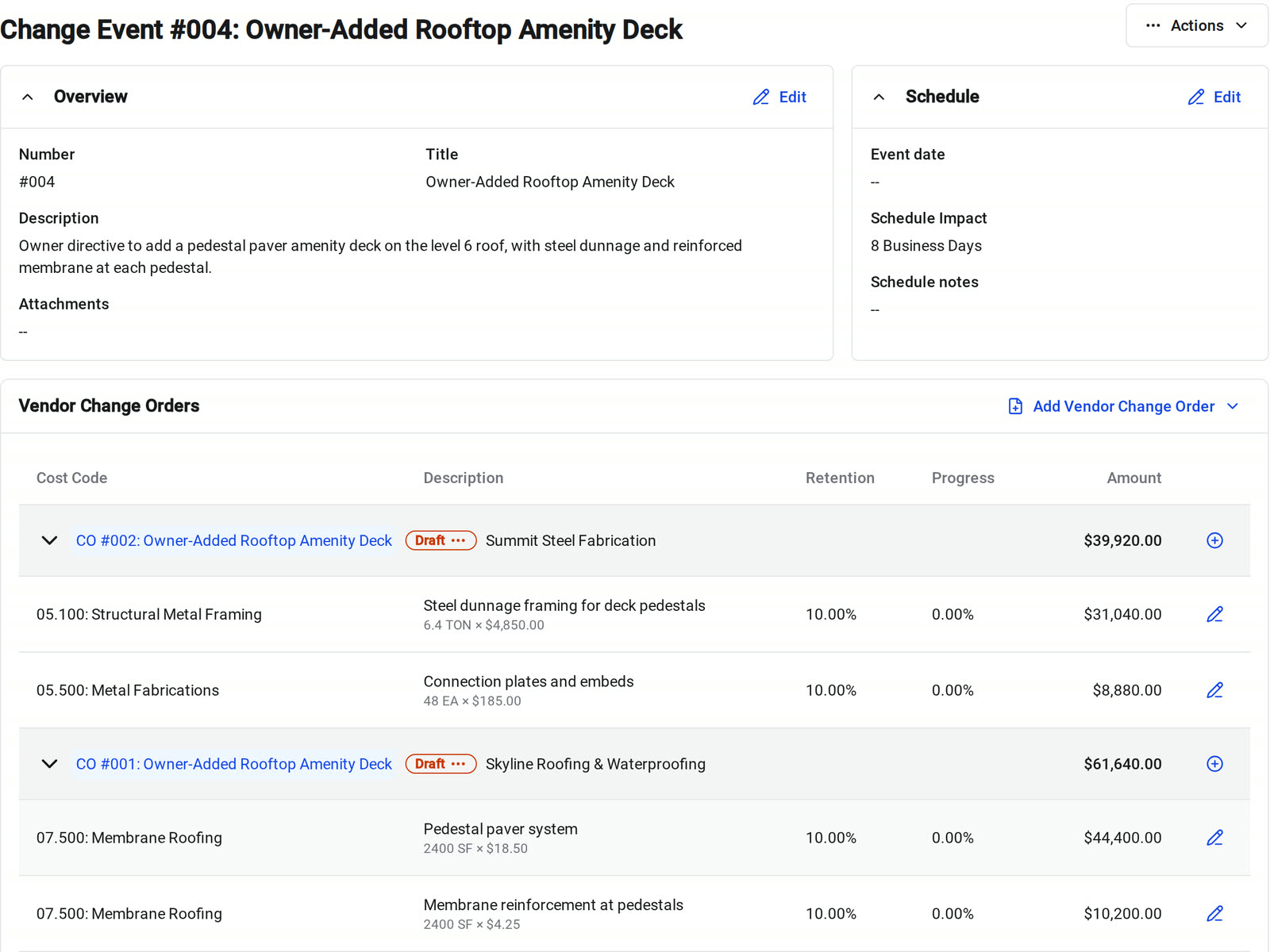
A change event holds one scope issue, with the vendor cost on one side and the owner revenue on the other. Create it the day the issue comes up, and the exposure is on the record before the pricing is.
• An owner directive on a site walk: add the change event with a title, a description, and the schedule impact in days
• The weekly cost review: every change event shows its prime, budget, and expense totals next to its schedule impact
• Reporting to the owner: switch between change events, prime change orders, and vendor change orders, group by event, company, or status, and export to PDF
Vendor and prime change orders
Price the sub and the owner from the same event
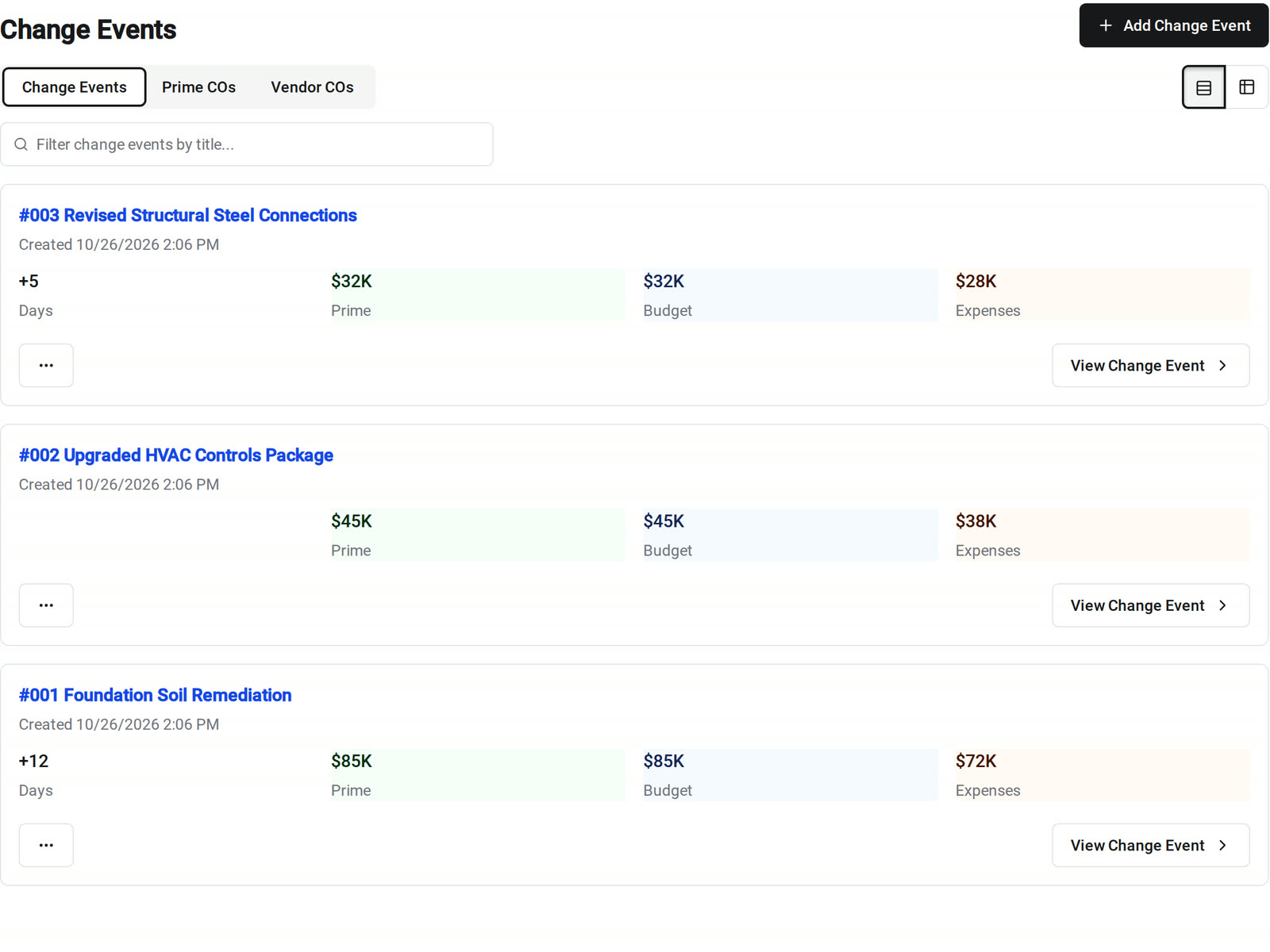
Vendor change orders price the cost against a subcontract or purchase order. Prime change orders price the revenue against your prime contract. Both sit on the same change event, and the two amounts don't have to match.
• Unit-priced work: enter Qty, Unit, and Unit Price and the amount fills in, or type a lump sum
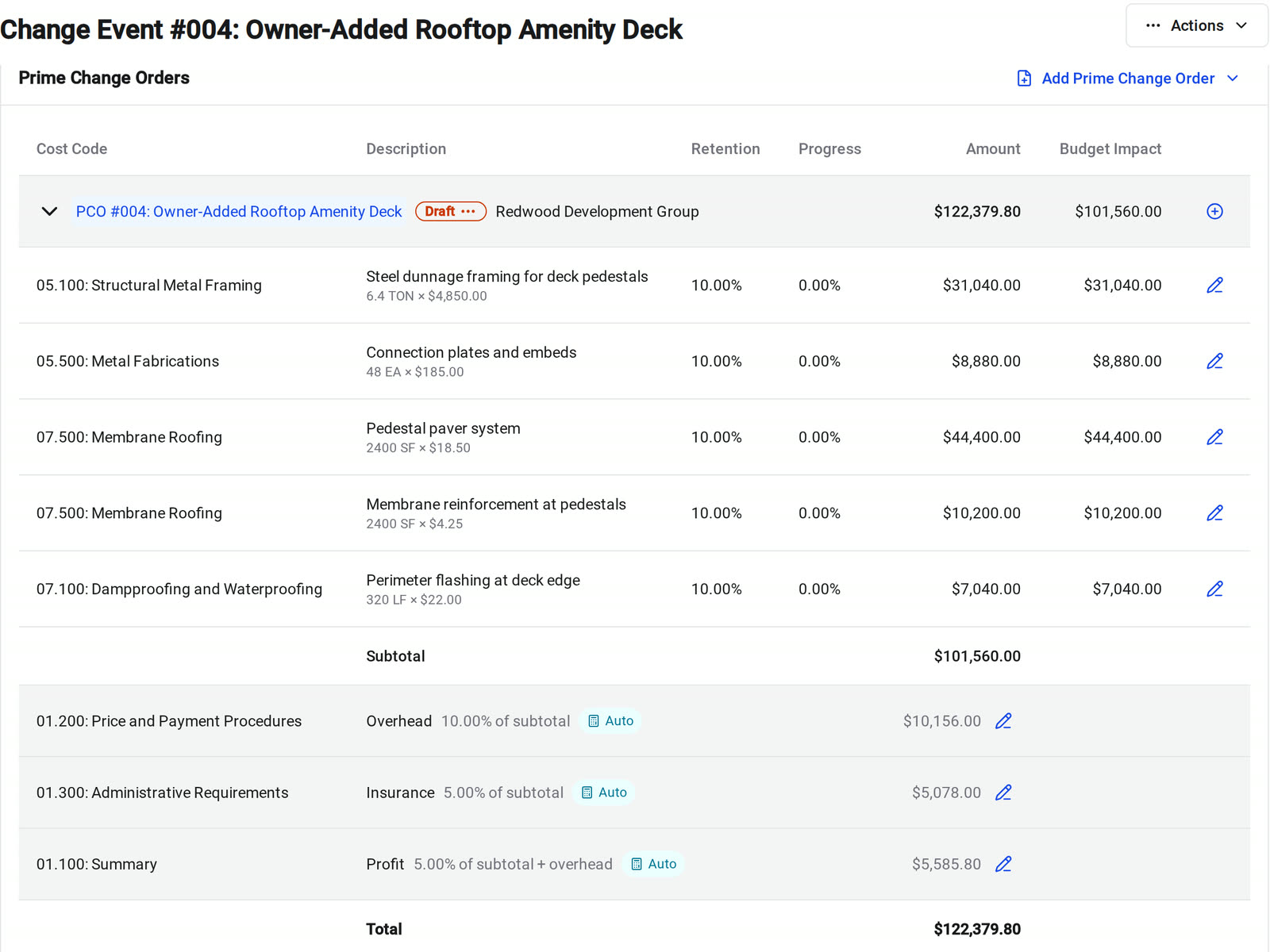
• Pricing the owner side: Copy all from Vendor Change Orders puts the vendor lines you pick on a new prime change order and adds your contract markups
• A subcontract that isn't signed yet: Constructable warns you before you add a change order to it, or when the vendor already has an unsigned change order
Change order markup
Markups that follow your contract
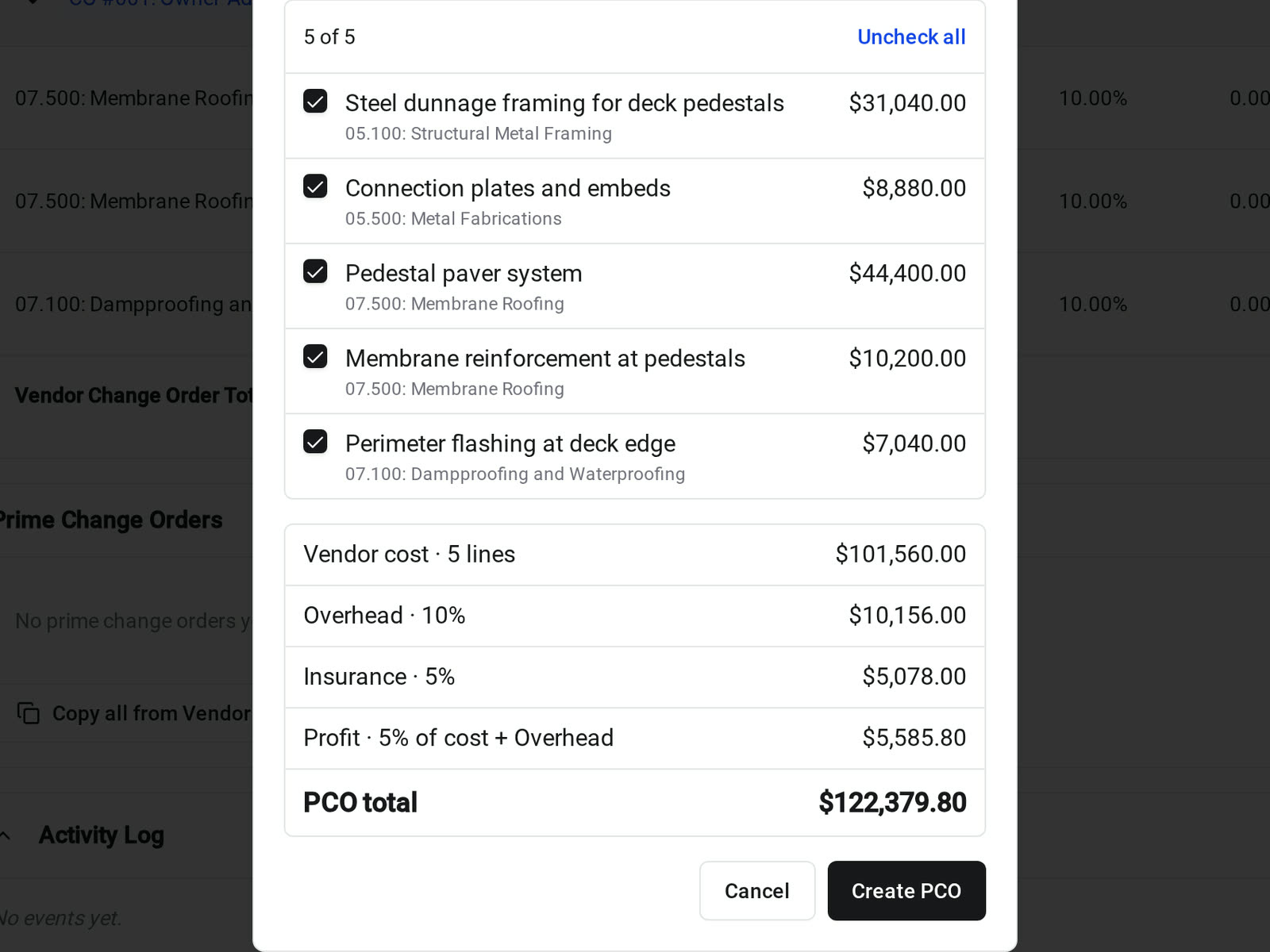
Set overhead, insurance, profit, or general conditions once on the prime contract. Each markup is Basic, Includes Above, or Selective Compounding, and markups apply in the order you set.
• Profit on overhead but not on insurance: on a $100,000 change with 10% overhead, 5% insurance, and 5% profit on cost plus overhead, profit is $5,500, not $5,750
• Building the owner price: Add Markup Line Items puts each markup on the prime change order as its own line, coded to its cost code
• Owner review: the owner sees the same markup structure on every change order
Approvals and eSignature
Get it approved and signed without another eSign tool
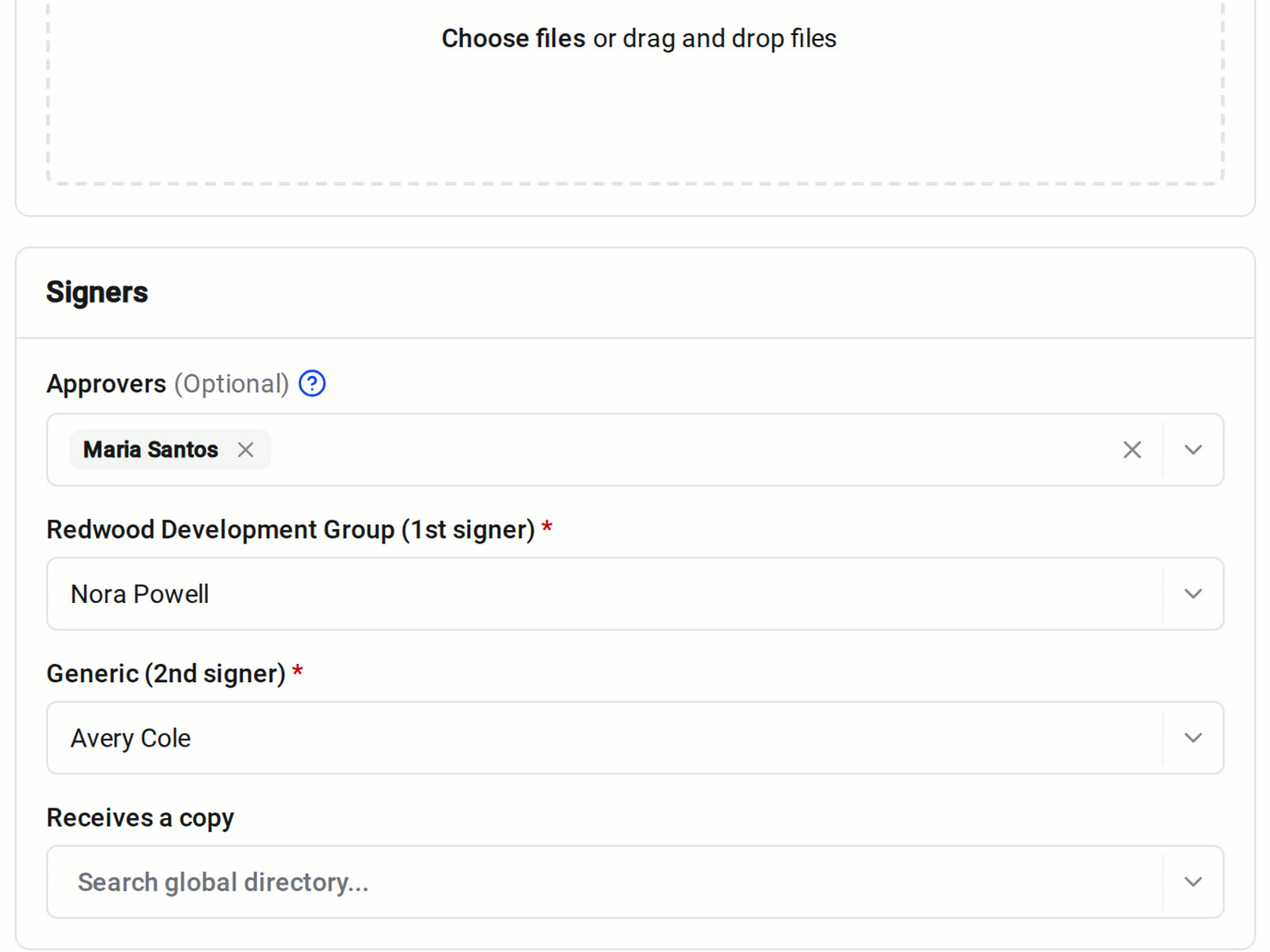
Prepare for Esigning sets the approvers, signers, and signature fields. The change order moves from Draft to Awaiting Approval, Out for Signing, Ready to Countersign, and Fully Executed, and each person is notified when it's their turn.
• Internal sign-off first: add approvers who review the change order before it goes to the owner or the sub
• The signed copy: the PDF of an executed change order keeps the lines, amounts, and previously executed totals from that moment
• A mistake after execution: reopen it as a draft, unless it was eSigned or already invoiced against
Budget, SOV, and accounting
Executed changes land in the budget and the SOV
Status and financial timing are separate. A change order can be executed, billable from a date you set, or both, so the totals follow your project's policy.
• Billing the change: a Fully Executed change order adds its lines to the contract schedule of values for invoicing
• Forecasting: turn on Show Pending Change Orders in Totals to see pending changes in the budget without executing them
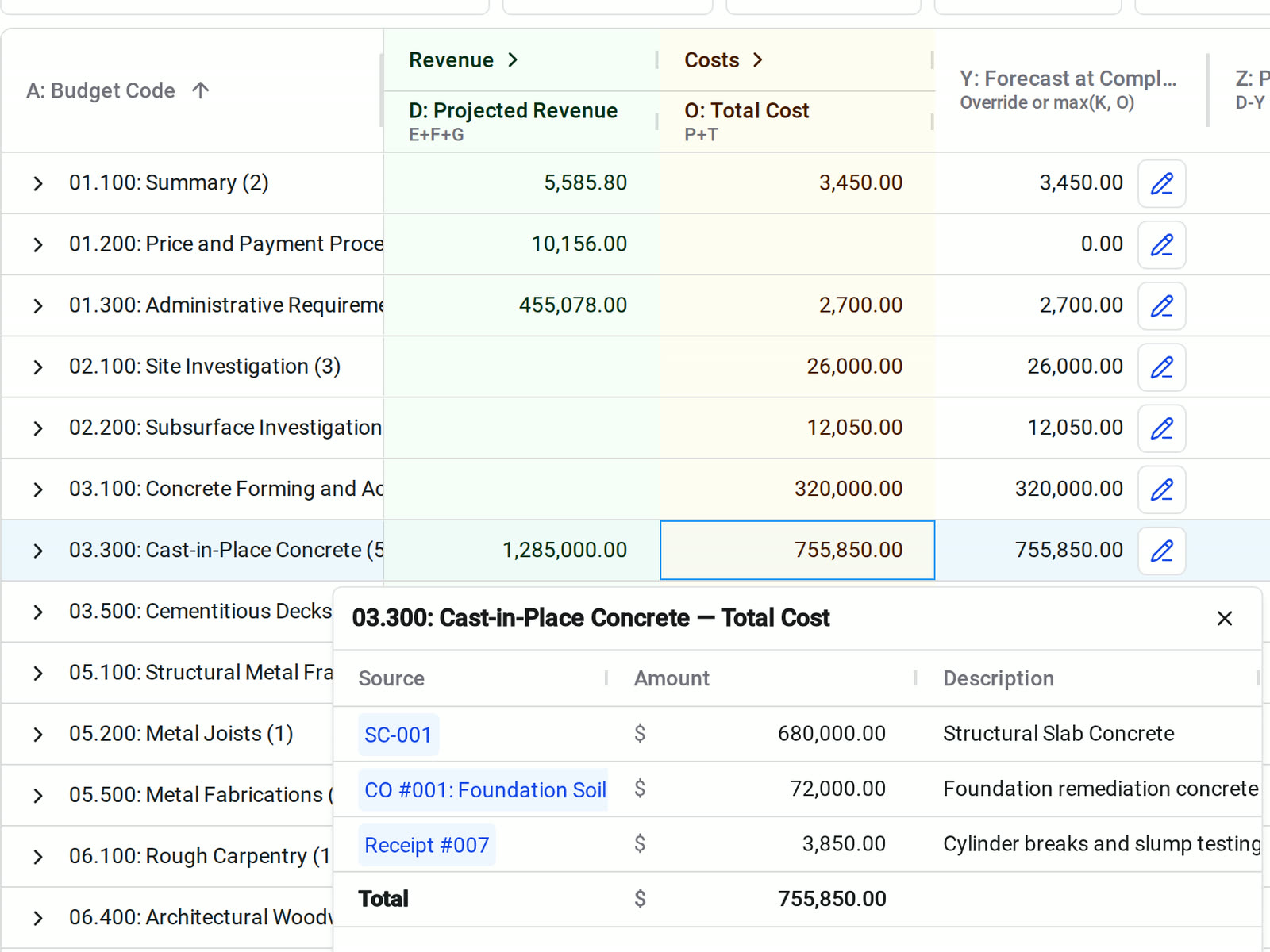
• Tracing a number: click a budget cell to see every source behind it, such as the subcontract and the vendor change order
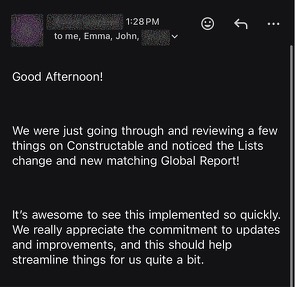
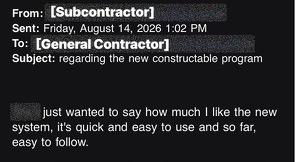
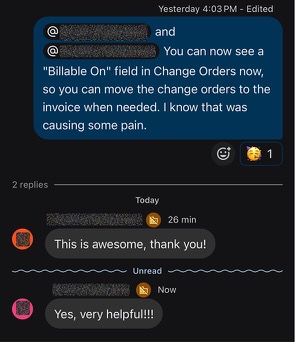
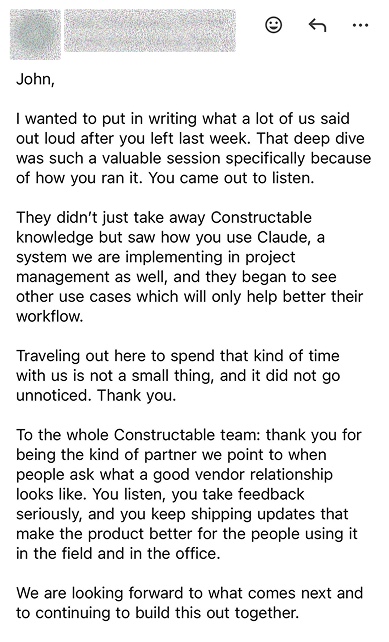
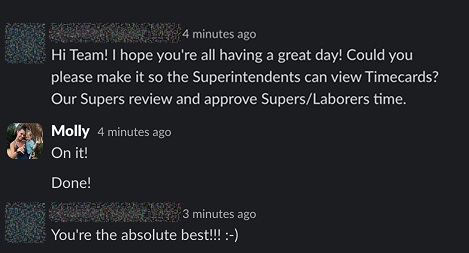
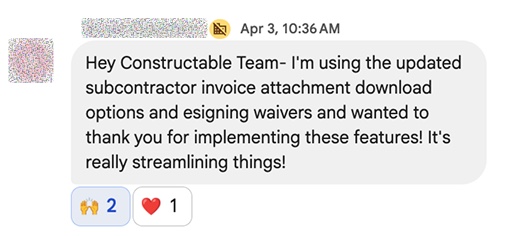
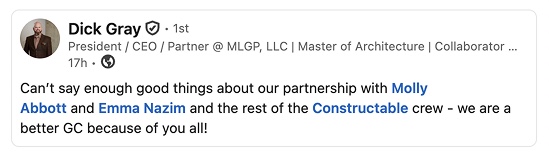
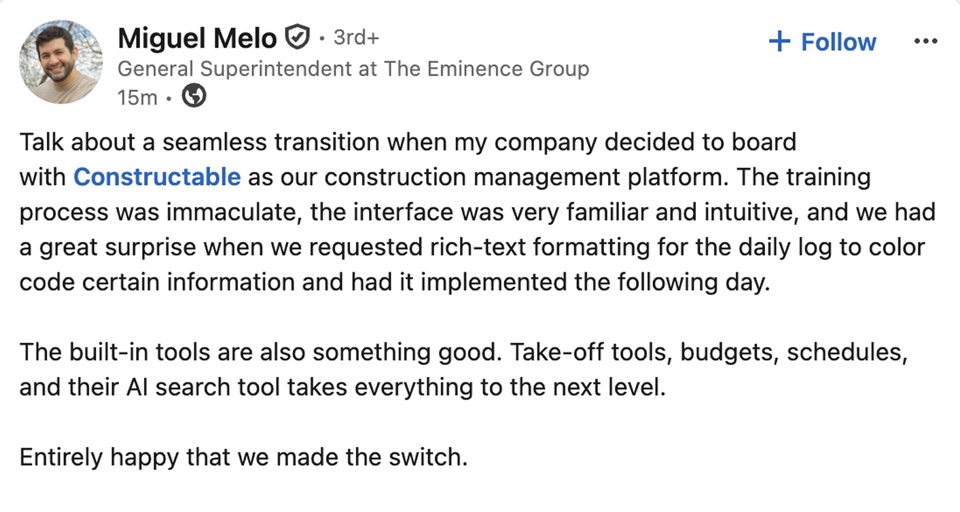
Hear from the GCs building with Constructable
Loved in the office and in the field
Take your drawings anywhere with the Constructable app for iPhone, iPad, and Android.


Price every change
before the work is done.
Book a 30-minute demo with our team.
WallofHappiness



























Frequently Asked Questions
What's the difference between a change event and a change order?
Can I track potential changes before I have pricing?
How are overhead, insurance, and profit markups calculated? Can markups compound selectively?
Can I send change orders to the owner or subs for eSignature without DocuSign?
What happens to the budget and schedule of values when a change order is executed?
Can I see pending change orders in budget totals without approving them?
Can I correct a change order after it's executed?
Does it sync with my accounting system?
Can I price unit-based work (quantity × unit price)?
Which plan includes change orders?
at a glance
to the drawing
with better bids